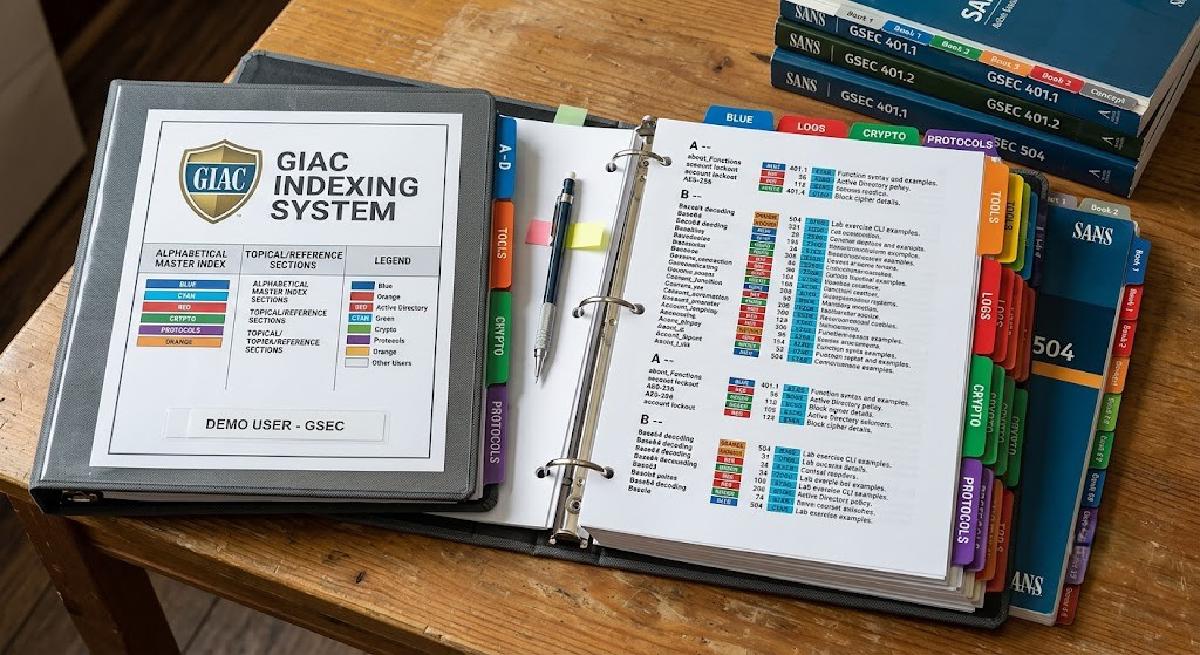
TL;DR
- GIAC exams are open-book, but time pressure requires a fast, searchable index to pass cleanly.
- A proven 4-phase indexing workflow (Read, Capture, Refine, Test) used to score 90%+ on GSEC and GCIH.
- Focus on high-value keywords, exact command syntaxes, and book page numbers over long summaries.
Open-book sounds like a gift. In practice, it isn’t; not if you haven’t built a proper GIAC index before walking in.
GIAC exams are timed, scenario-heavy, and cover material spread across five or more books. If you’re stopping to flip through a book every few questions, you’ll run out of time long before you run out of questions. As a result, the open-book format rewards people who built an index, not people who skimmed the material and assumed they could just look things up.
I’ve sat two GIAC exams - GSEC and GCIH - scored 90%+ on both, and used the same indexing system for both. This is that system. I’m currently building the index for GSTRT, and the workflow is unchanged.
Why a Good GIAC Index Changes Everything#
The goal of an index is not to replace studying. Instead, it’s to eliminate the need to open a book during the exam. When you’ve already internalized the concepts and just need to confirm a command syntax, a page reference, or a specific step - that’s a three-second index lookup, not a two-minute book hunt.
The index also forces you to study. Building it means reading every page, every lab, every cheat sheet, and deciding what matters enough to capture. Consequently, that process is where most of the learning actually happens.
I first came across a structured approach to GIAC indexing through Tisiphone’s guide on GIAC testing. I adapted the format over two exams and refined it based on what I actually needed during practice tests. What’s below is the version that works for me.
The GIAC Index Format#
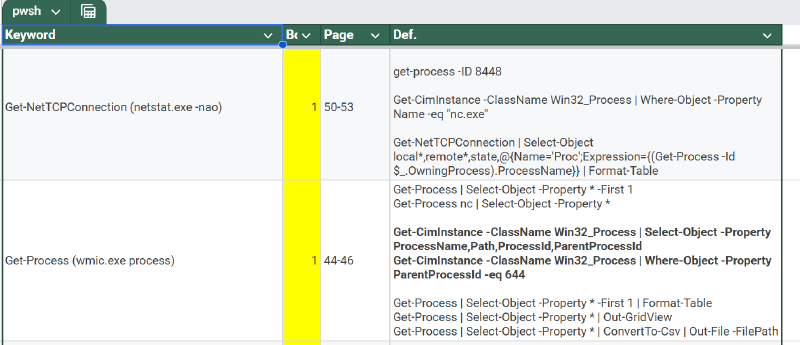
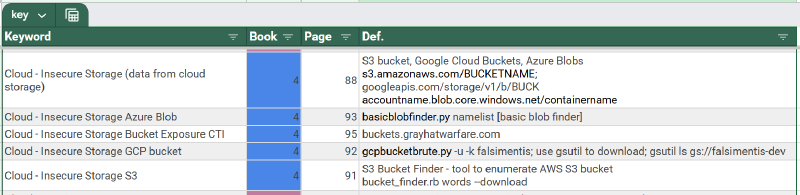
I use Google Sheets. Single file, one tab per exam, sorted alphabetically A-Z. The columns:
| Column | What goes here |
|---|---|
| Keyword | The term, tool name, command, concept, or topic you’d search for |
| Book | Book number (e.g. Book 1, Book 4) |
| Page | Page number(s) |
| Description | One-line summary with enough context to confirm you’re in the right place |
| Command / Syntax | Exact command-line syntax where applicable |
| Notes | Lab references, mind map links, cross-references to related entries |
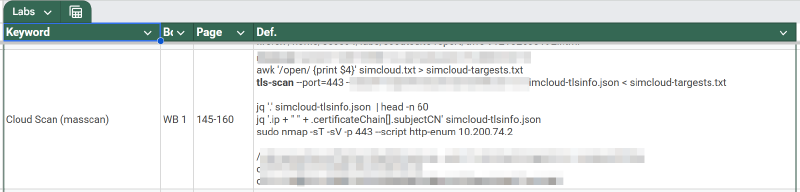
The 4-Phase Indexing Workflow#
Phase 1: First Pass (Reading & Initial Capture)#
As you complete your first pass of course books or OnDemand videos, log entries directly into Google Sheets. Focus on key tools, syntax, protocols, and architectural concepts.
Phase 2: Lab Audit & Command Capture#
Go through lab workbooks. Ensure every command parameter, tool flag, and syntax variation is explicitly captured in the Command / Syntax column.
Phase 3: Practice Test 1 & Gap Analysis#
Take Practice Test 1 using your digital index on a secondary monitor. Note down every search term that failed or took longer than 10 seconds to locate.
Phase 4: Final Refinement & Printing#
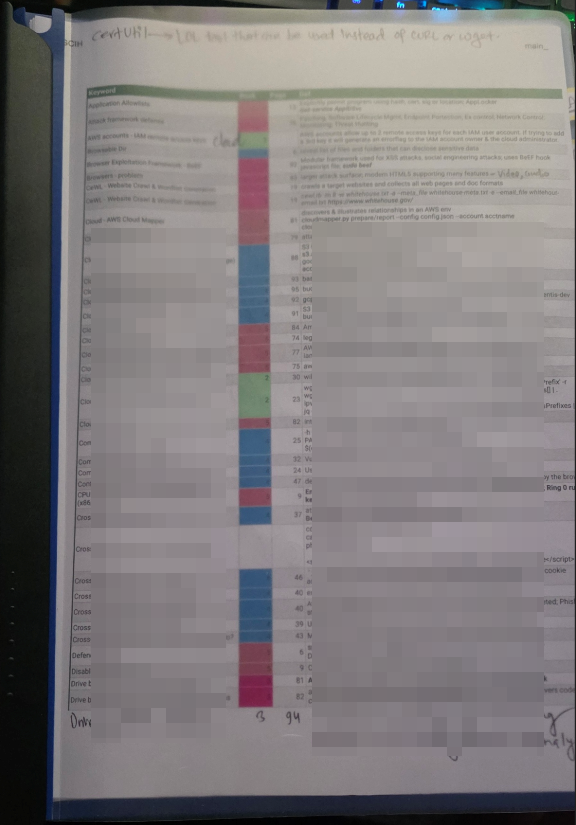
Alphabetize A-Z, format for clean printing with column header rows on every page, print double-sided, and bind into a spiral notebook or tabbed binder.
Wrapping Up#
The index doesn’t replace knowing the material — it extends what you can reliably recall under time pressure. Build it seriously, test it twice, and walk into exam day knowing exactly where to find anything you might need. I’ve used this system for GSEC and GCIH. I’m using it again for GSTRT, and the format is unchanged — only the content is different.