TL;DR
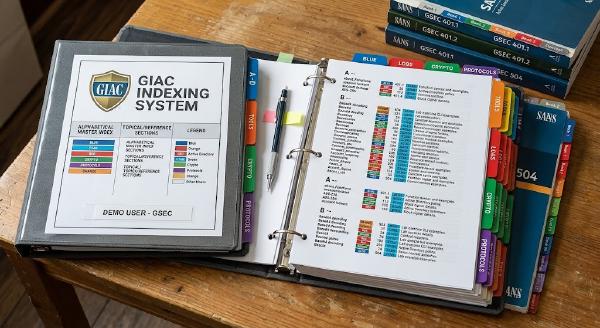
GIAC exams are open-book, but time pressure requires a fast, searchable index to pass cleanly. A proven 4-phase indexing workflow (Read, Capture, Refine, Test) used to score 90%+ on GSEC and GCIH. Focus on high-value keywords, exact command syntaxes, and book page numbers over long summaries. Open-book sounds like a gift. In practice, it isn’t; not if you haven’t built a proper GIAC index before walking in.
GIAC exams are timed, scenario-heavy, and cover material spread across five or more books. If you’re stopping to flip through a book every few questions, you’ll run out of time long before you run out of questions. As a result, the open-book format rewards people who built an index, not people who skimmed the material and assumed they could just look things up.
TL;DR
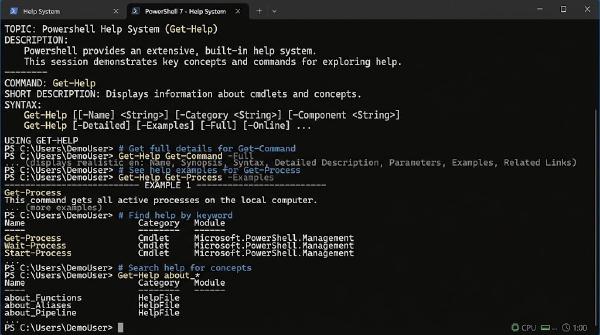
Experts don’t memorize thousands of cmdlets — they use the built-in help system. Always run Update-Help -Force as administrator to download local help documentation. Master the 4-step terminal discovery pattern: Get-Command, help, help -Parameter, help -Examples. Experts don’t memorise thousands of PowerShell commands. Don Jones and Jeff Hicks cite a study in Learn PowerShell in a Month of Lunches — two groups of IT pros, beginners and experts, sat a written test on PowerShell. Scores were similar across both groups. Then they ran the test again with access to a running PowerShell session. The gap between the two groups became significant. The difference? Experts knew how to use the help system to find answers on the fly.
TL;DR
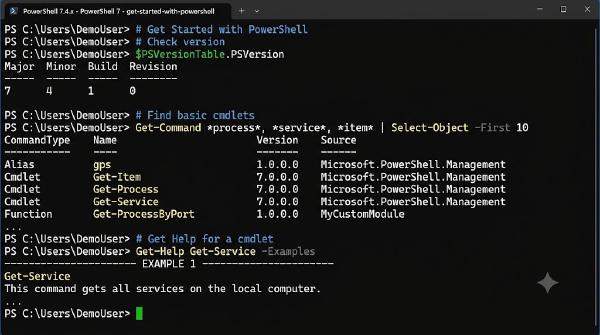
PowerShell is a cross-platform, object-oriented shell & scripting language for Windows, Linux, and macOS. Install PowerShell 7+ Core via Winget alongside Windows Terminal for the optimal command-line experience. Understand the difference between legacy Windows PowerShell 5.1 and modern cross-platform PowerShell 7+. PowerShell is a command-line shell and scripting language from Microsoft for Windows, Linux, and macOS. It helps automate administrative tasks and manage infrastructure cleanly.
Command-line shell: Interactive prompt with tab completion & predictive IntelliSense Scripting language: Write complete, reusable scripts (.ps1) to automate complex workflows Object-oriented: Commands (cmdlets) pass rich .NET objects through the pipeline, not raw text strings Cross-platform: Runs on Windows, Linux, and macOS (PowerShell 7+) Windows PowerShell 5.1 vs. PowerShell 7+ # Feature Windows PowerShell 5.1 PowerShell 7+ (Core) Underlying Engine .NET Framework (Windows only) .NET 8+ (Cross-platform) Supported OS Windows 7 / 10 / 11 / Server Windows, Linux, macOS Performance Standard High performance & parallel pipeline (ForEach-Object -Parallel) Executable Name powershell.exe pwsh.exe Note: Windows PowerShell 5.1 comes built into Windows and will remain for backward compatibility. Modern automation should target PowerShell 7+ (pwsh.exe).
TL;DR
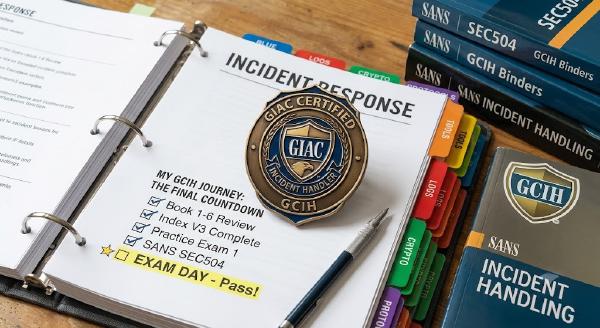
The SANS GCIH (SEC504) covers incident response, hacker techniques, exploits, and live forensics. Preparation requires an in-depth index, hands-on workbook auditing, and strategic practice test timing. Passed at 90%+ score as part of the SANS Technology Institute Master’s Degree program. Passing the SANS GCIH (SEC504) exam was one of the most challenging yet rewarding experiences in my cybersecurity journey. As part of my master’s degree program at SANS, I tackled this comprehensive incident handling certification.